Use the right song version
Convert MP3 to LRC from the final arrangement, since a radio edit or longer introduction can change every later cue.
Create a timed lyrics file from your MP3 recording.
Convert MP3 to LRC from your own song recording. Recognize the words, review the timestamps against playback, and correct the draft before downloading. The result is a separate synchronized lyric file for the MP3 you supplied.
Already have the correct lyrics? Use TXT to LRC. Convert the finished timed file into subtitles with LRC to SRT.
Upload the MP3 you plan to play with the lyrics. Use the final cut if you have it. A shorter intro or an extra chorus in another version can throw off the timestamps.
Run recognition, then listen through the draft. Correct misheard words and adjust cues that start before or after the singer.
Export the reviewed LRC and keep it beside your MP3. Test both files in the music player that will show the lyrics.
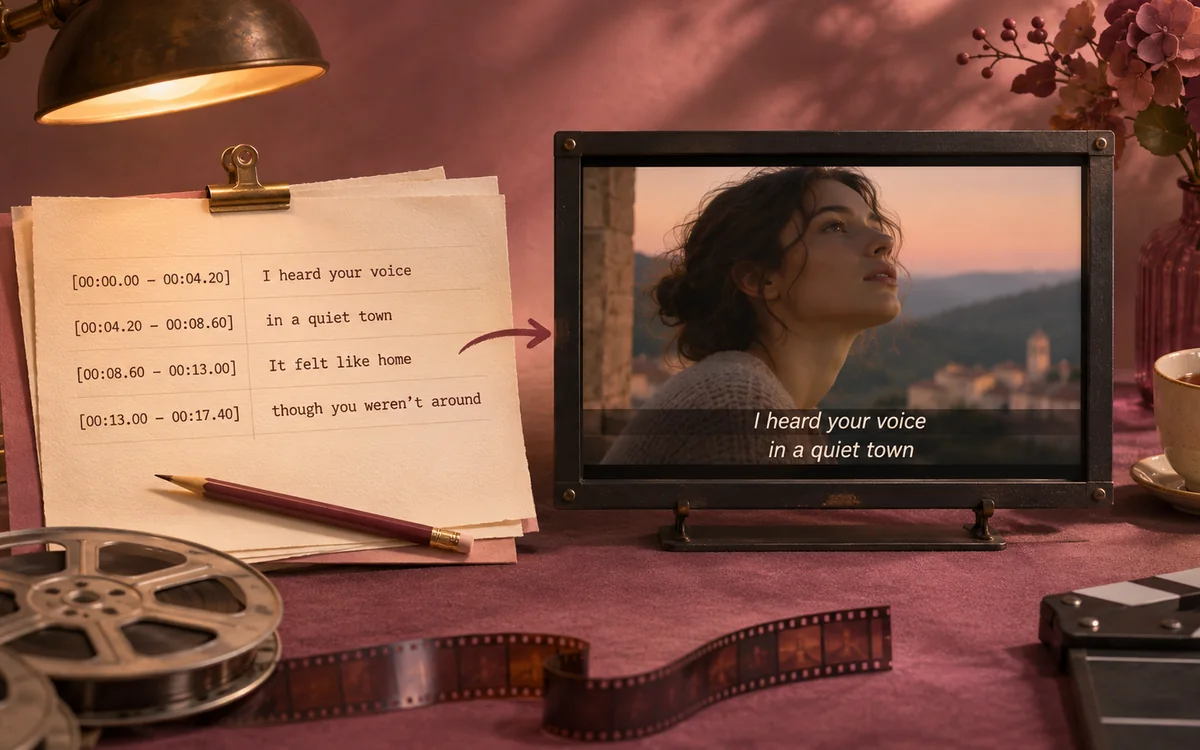
Play an MP3 excerpt and follow its lyric timestamps.
Use the toolAmazing Grace · Southern Aire · Four excerpts
Start with your actual recording and finish with a reviewed lyric file, keeping text correction and playback checks together throughout the task.
Convert MP3 to LRC from the final arrangement, since a radio edit or longer introduction can change every later cue.
Replay quiet vocals, names, and fast phrases to check uncertain words before exporting.

Check a cue near the start and one near the end in your chosen player. A different cut of the track can drift even when the first lines match.
Keep the separate lyric file beside the original recording so you can revise the words without replacing the audio.
MP3 to LRC recognizes sound rather than file names or lyric tags. It prepares an editable transcription and timeline, letting you replay uncertain phrases before correcting them.
Use the tool
The editor keeps your recording beside the cues. Fix a misheard word, replay the phrase, and adjust its timestamp before exporting the lyric file.
Use the tool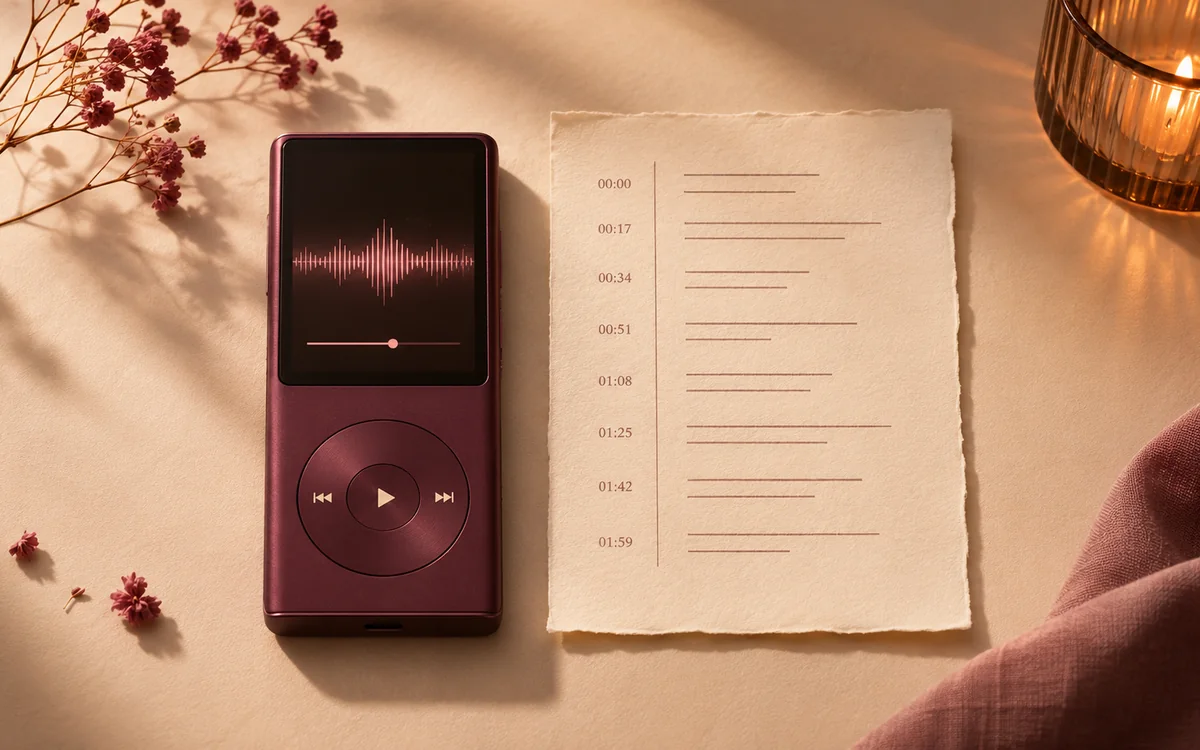
MP3 to LRC downloads a separate lyric file without rewriting the audio. Keep both files together and use the original recording as your reference when revising timestamps.
Use the toolThe converter produces editable lyric lines and timestamps in a separate text file. Review the result in a compatible player; the original MP3 stays unchanged.
No. MP3 contains sound, while LRC contains timed text. The converter must recognize or align words and establish their timing. Renaming an audio file cannot produce a synchronized lyric sheet.
Start recognition without a lyric sheet, or supply your exact words for alignment. Both results stay editable, so you can correct spelling and check timing against playback.
The converter uses audible vocals or supplied text, not embedded lyric tags. Its downloaded LRC remains a separate file rather than being written into the MP3.
This page accepts MP3 recordings up to 50 MB and ten minutes. For other supported audio formats, use the main LRC Generator. Use the same song version that will accompany the final lyric file.
Recognition can mishear words under accompaniment, quiet singing, or overlapping vocals. The converter provides a draft for review. Replay uncertain phrases, correct the text, and check cue placement before you share the file.
Edit individual cue times during playback, or apply a global offset for a consistent delay. Fix isolated errors locally to preserve the rest of your timeline.
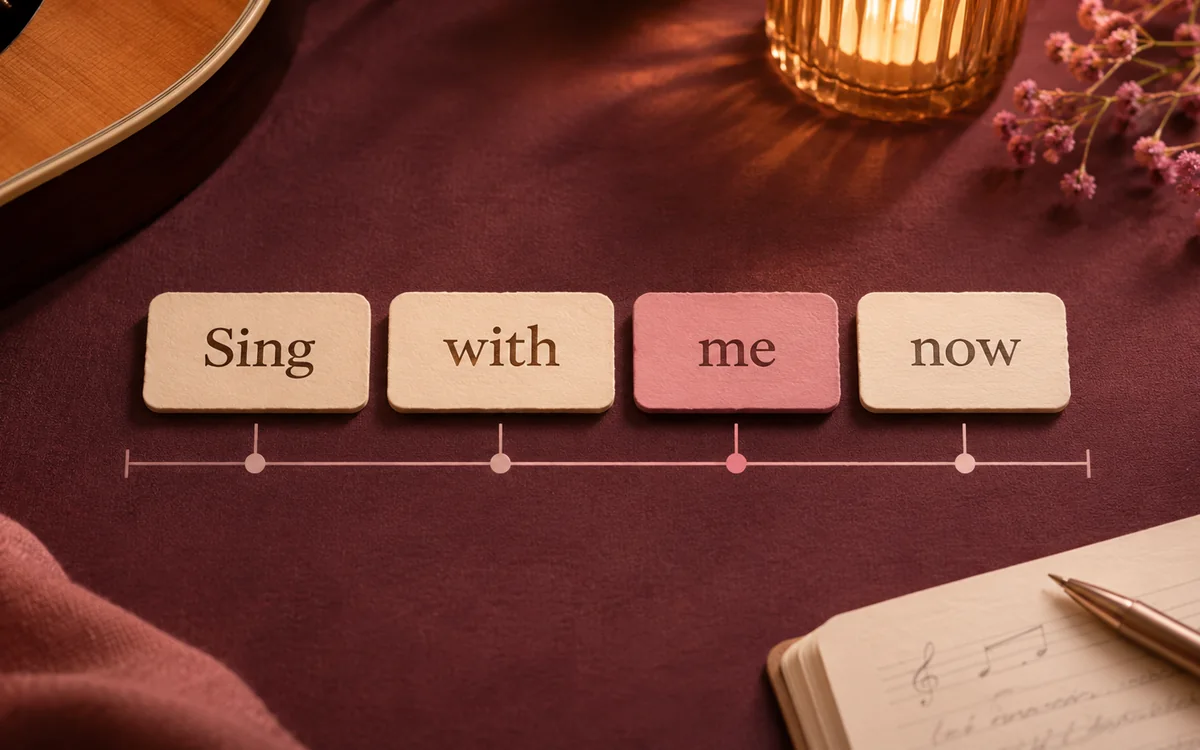
Enhanced LRC requires word timestamps that match the text. Use the dedicated word-by-word alignment tool when you need karaoke highlighting. A standard LRC file stores the start time of each line.
Open the LRC beside the exact recording in a compatible player. Some apps require matching file names; check the first verse and repeated sections.
Yes. Choose a subtitle format for video editing or TXT for plain wording. Before rendering a video in your editor, check the first and last subtitle cues against the imported audio.
Sign in to save your source MP3, lyrics, timestamps, and edits privately. Cloud storage lasts 7 days on Free, 90 on Lite, 180 on Pro, and 365 on Ultra from creation. Reopen projects on another device or delete them when finished. Guest drafts are temporary.
Automatic MP3 to LRC processing runs online after you sign in with a verified email. Recognition uses 1 credit per started audio minute and alignment uses 2, with 9 one-time credits included for new accounts. Editing and downloads in the browser are free.

Upload the recording, correct the words and timestamps, then download the lyric file that matches your song.
Use the tool