LRC
Line timing
Standard LRC
Line timestamps for compatible music players. Preview the sample, then download the reviewed line-timed lyric file.
Convert synchronized lyrics into subtitles, or create subtitle cues from audio.
SRT contains numbered cues with start and end times. Compare it with line-timed LRC, enhanced word timing, and plain lyric text.
Line timestamps for compatible music players. Preview the sample, then download the reviewed line-timed lyric file.
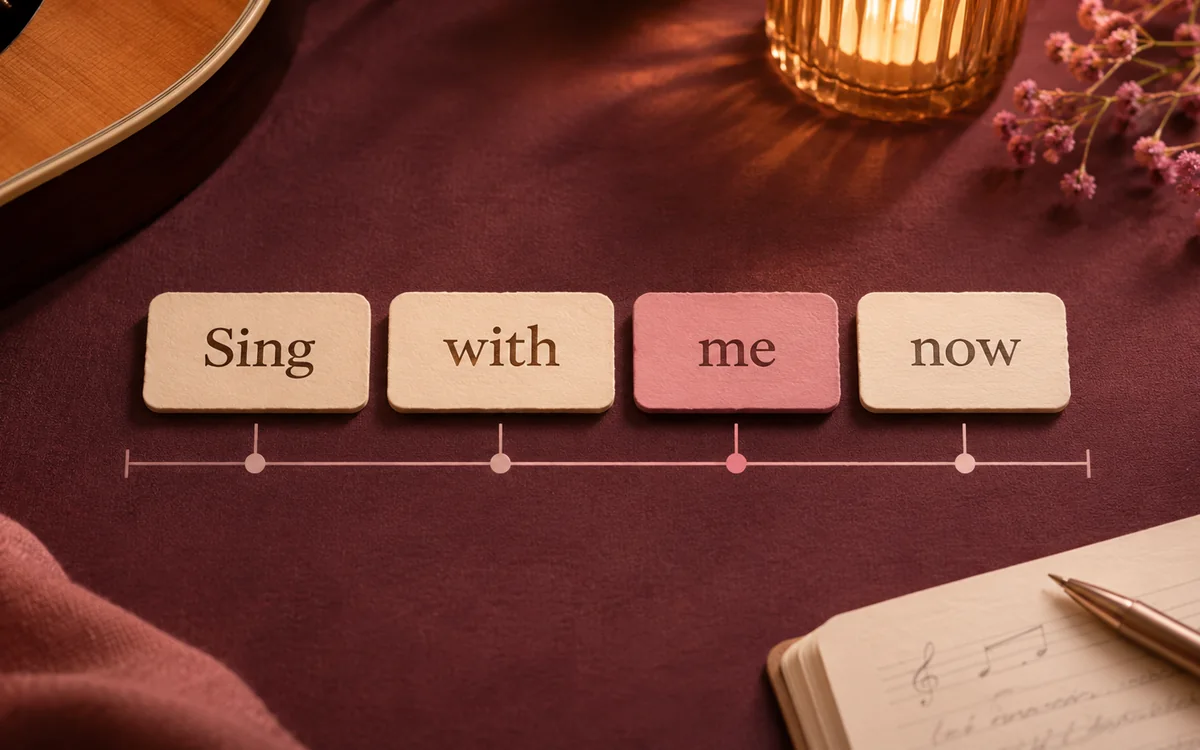
Inline word timestamps from the aligned sample. Use a compatible player to review karaoke-style lyric highlighting.
Compare subtitle and plain-text exports from the same sample. Choose the format your video editor or proofreading task needs.
Sample recording: Amazing Grace · Southern Aire
Convert LRC to SRT directly when your lyrics already have timestamps. Paste the text, upload a single file, or convert a batch, then preview your subtitle cues before downloading.
Missing lyrics or timestamps? Start with the Lyric Extractor to extract words, or use TXT to LRC to synchronize your own text.
Paste LRC content or select a supported file. The LRC to SRT converter needs existing timestamps for direct format conversion.
Reuse the lyrics and timing you already have, then check the caption boundaries and wording against the exact edit of your video.
Start with a timed lyric file to reuse the edits and cue starts you already checked against the song.
The LRC to SRT converter adds endings where ordinary LRC has only line starts, so check pauses and the final cue.

Inspect each file independently, then download the successful results together when the batch is ready.
Import the exported SRT into the video editor. Check line wrapping and how long each cue stays on screen before rendering.
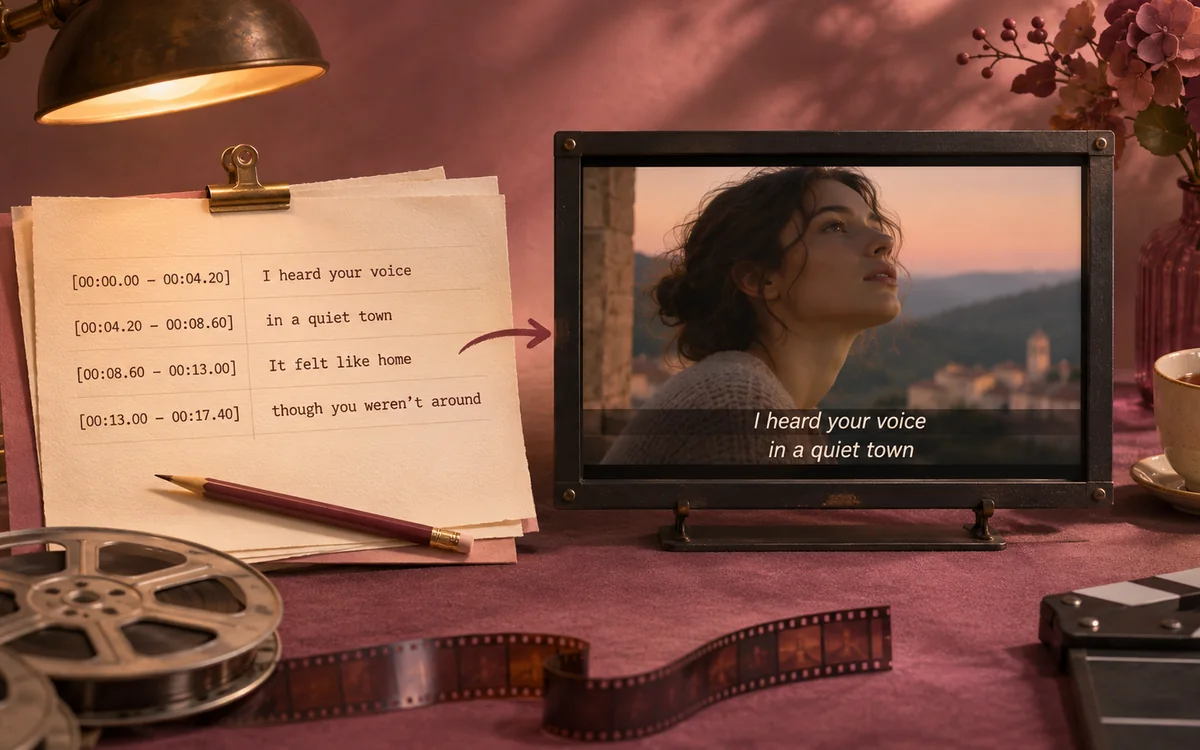

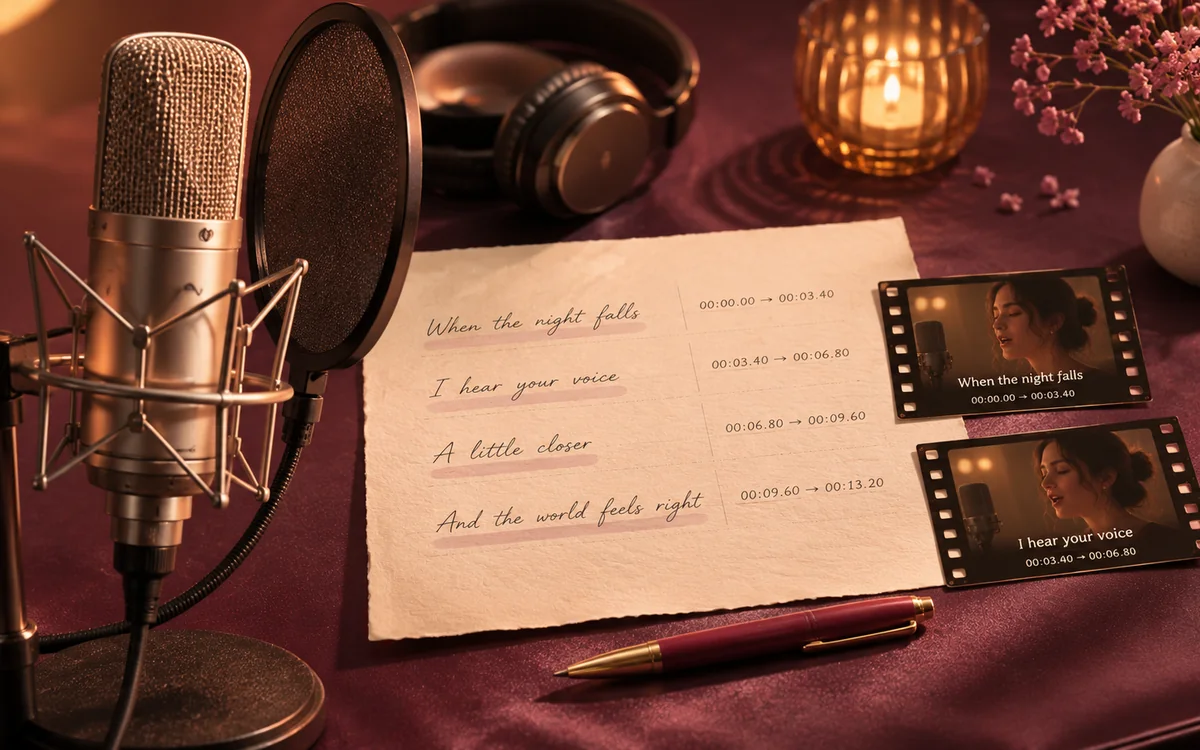
Convert the lyrics you already synchronized
The LRC to SRT converter reuses existing timestamps without recognizing the song again. Paste timed text or upload LRC, SRT, or VTT, then inspect the resulting subtitle cues.
Choose a tool for your recording, supplied lyrics, karaoke timing, or subtitle handoff, then review the result.

Create synchronized lyrics from a recording, then check the words and timestamps before sharing your song.
LRC GeneratorMP3 to LRC
Prepare caption cues for your video edit, then review their timing and text in your preferred editor.
LRC to SRT
Align supplied lyrics to a performance and inspect individual words when your karaoke player needs finer timing.
Word timingTXT to LRCThe converter turns timed lyric lines into numbered subtitle cues with start and end times. The existing timestamps provide the timing, so you can convert the text without uploading audio.
Yes, when the text already has timestamps. Paste lyrics or upload a file for LRC to SRT conversion. Untimed words need alignment or manual marking first; changing the extension cannot create performance timing.
Upload a non-empty LRC, SRT, or VTT file under 200 KB, or select up to twenty files for a batch.
Standard LRC only stores line start times, so each subtitle cue ends when the next line begins. If the final line has no explicit end time, the LRC to SRT converter gives it three seconds by default—check long instrumental pauses and the last cue before exporting.
The converter keeps supported explicit endings from subtitle text or Enhanced LRC. Check the result against your video for gaps and overlaps.
Yes. Select batch upload and inspect each result. Download individual files or a ZIP of successful conversions. The batch identifies files that could not be converted.
Direct conversion requires timestamps. For plain lyrics, choose Create from audio or use the Lyrics Timing Tool to set the times before converting.
Choose Create from audio to recognize a recording or align lyrics. Verified accounts use 1 credit per started minute for recognition or 2 for alignment. Review before LRC to SRT export; text conversion and exports are free.
No. Standard SRT stores cue timing rather than Enhanced LRC word timestamps. The lyrics to SRT converter preserves text for subtitles, while your video editor controls presentation. Use Enhanced LRC for word-aware playback.
The SRT file contains text and cue times. Add fonts, placement, and effects in your video editor before rendering.
The LRC to SRT converter works with content you paste or upload. Supply your own timed lyrics; it does not retrieve songs or embedded MP3 tags.
Text drafts and batches are temporary. Download the SRT files before leaving. Signed-in projects created from audio are saved privately for 7 days on Free, 90 on Lite, 180 on Pro, and 365 on Ultra from creation.

Use the LRC to SRT converter to preview subtitle cues and download files for your video workflow.
Use the tool