Get lyrics from the recording you have
Lyric Extractor helps when a demo, live take, or cover has no reliable lyric sheet. Extract lyrics from song audio, then compare the draft with the words actually sung.
Use the toolGet the words from your song, then correct and export them.
Hear the recording. Read the extracted words.
Use the toolAmazing Grace · Southern Aire · Four excerpts
Use Lyric Extractor to extract lyrics from song audio. Listen to the editable draft, correct uncertain words, and copy or download a lyric sheet that follows your recording.
Ready to synchronize corrected words? Use TXT to LRC, then add karaoke timing with Word by Word LRC.
Add the song version whose words you need. Lyric Extractor uses the audible vocals, not the file name or an existing lyric database.
Lyric Extractor helps when a demo, live take, or cover has no reliable lyric sheet. Extract lyrics from song audio, then compare the draft with the words actually sung.
Use the tool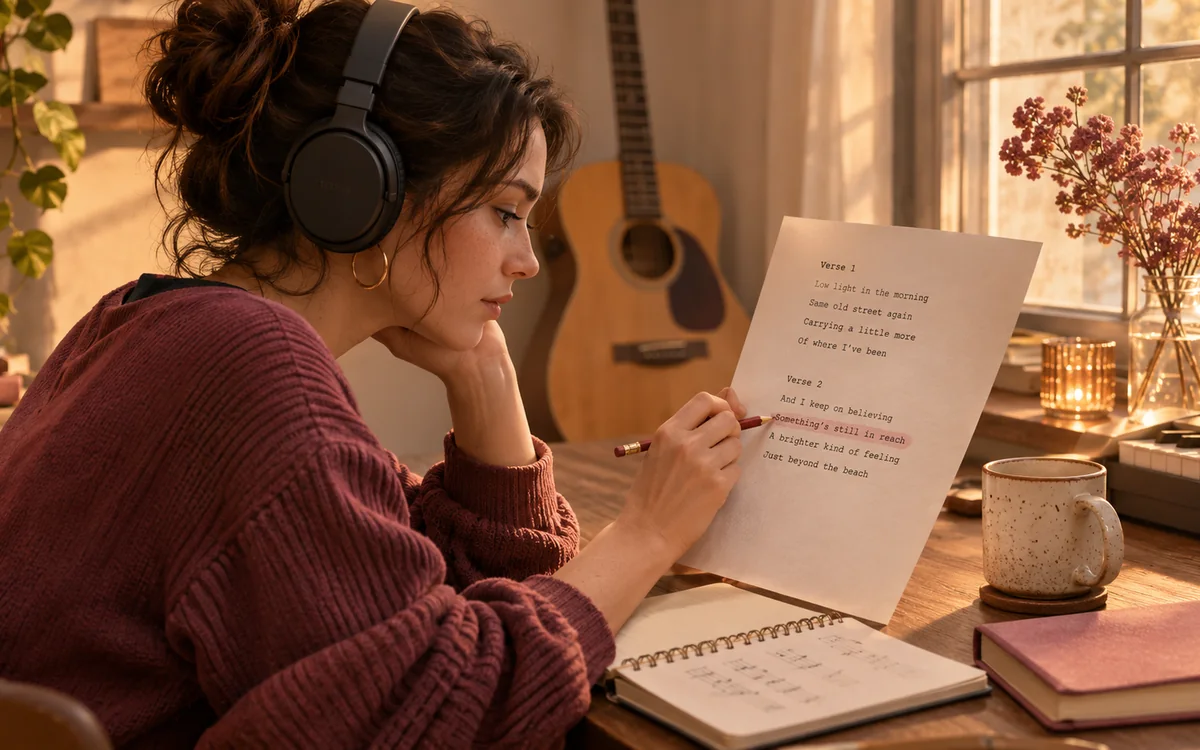
Keep the recording beside the text instead of comparing separate notes. Lyric Extractor lets you replay uncertain phrases and edit spelling, names, or repeated sections before copying the words into your next project.
Use the tool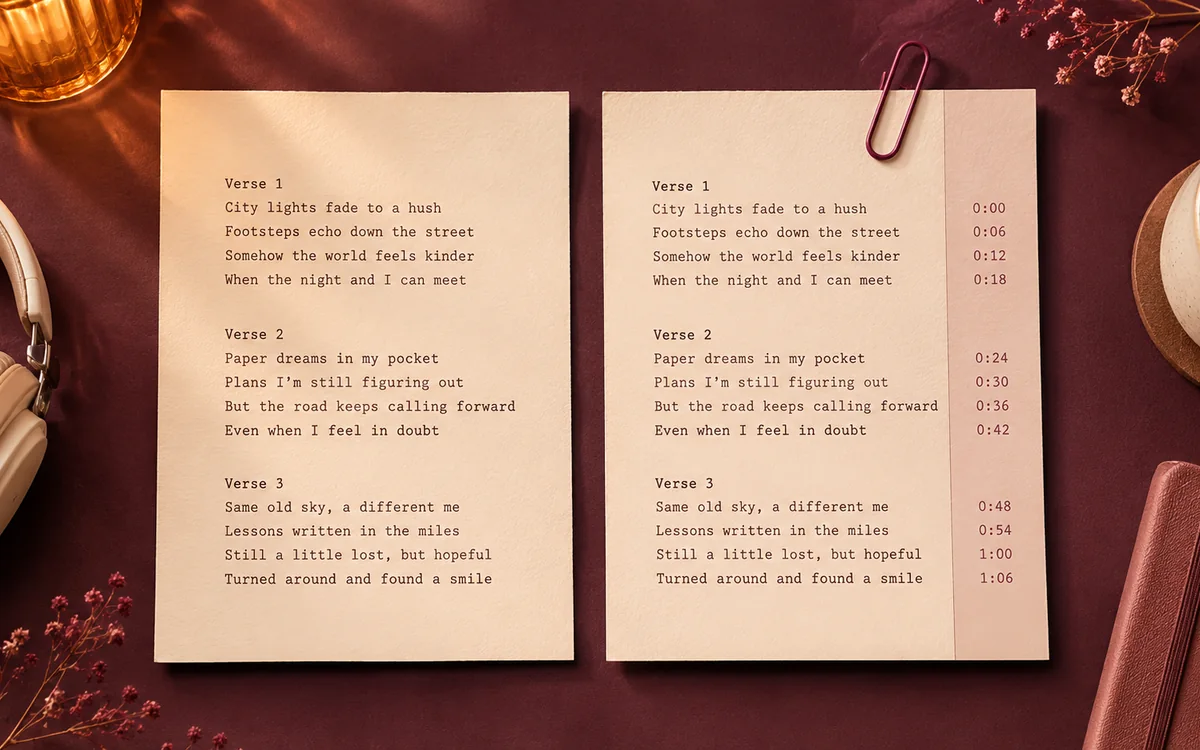
The AI Lyrics Extractor exports clean TXT for proofreading or timed lyrics for playback. Both formats stay ready in the same project, so you can reuse your edits without transcribing the song again.
Use the toolChoose a tool for your recording, supplied lyrics, karaoke timing, or subtitle handoff, then review the result.

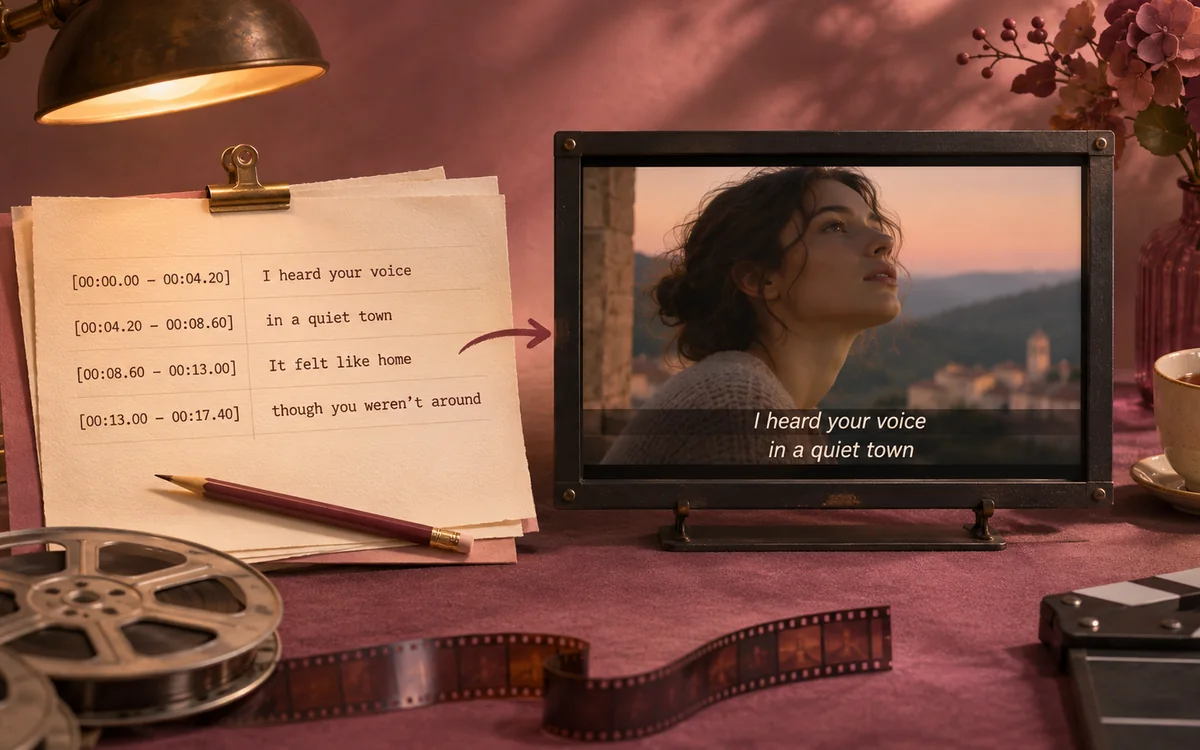
Create synchronized lyrics from a recording, then check the words and timestamps before sharing your song.
LRC GeneratorMP3 to LRC
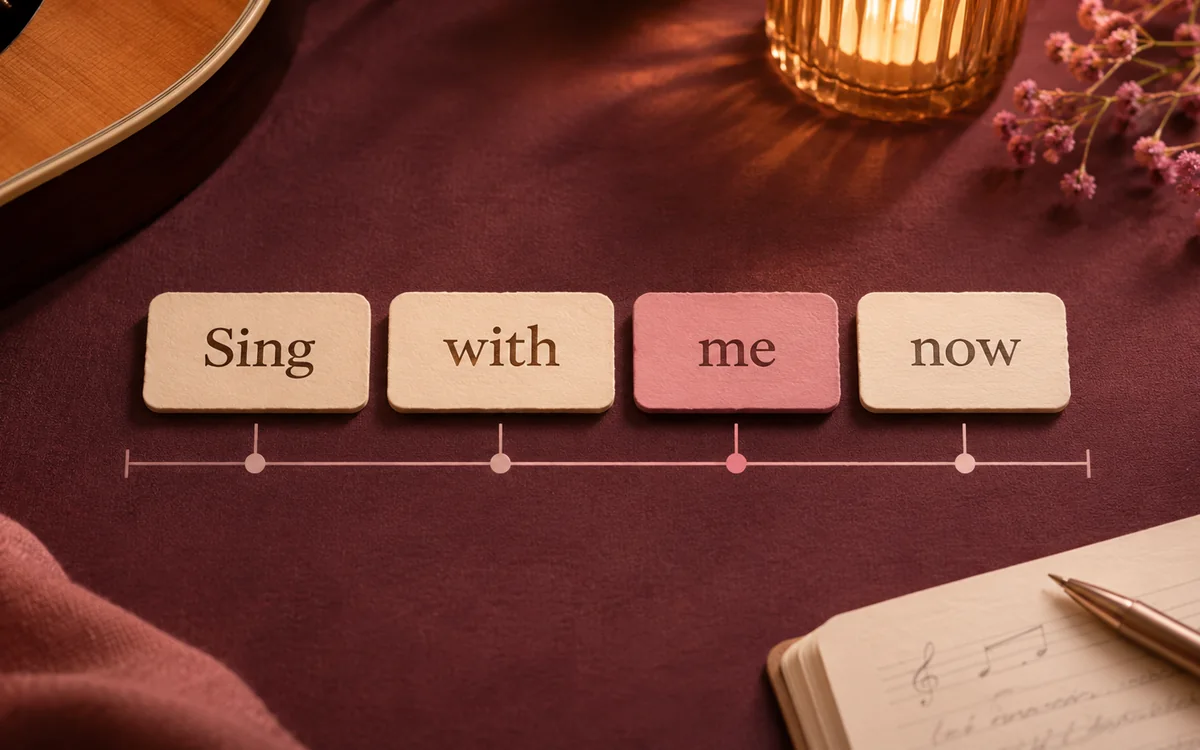
Align supplied lyrics to a performance and inspect individual words when your karaoke player needs finer timing.
Word timingTXT to LRC
Extract an editable lyric draft from a recording, listen through uncertain phrases, and keep a clean text copy.
Lyric ExtractorStart from the performance you have, then concentrate on the phrases that need attention before sharing or reusing the lyric text.
Extract lyrics from song recordings when you do not have approved wording, then compare the draft with the actual performance.
Use Lyric Extractor playback to review names, quiet phrases, and connected words that automatic transcription may have heard incorrectly.

Correct the AI Lyrics Extractor result before using it for rehearsal notes, captions, translation, or another pass of lyric alignment.
Store the original recording beside the Lyric Extractor export so later editors can check a disputed phrase against the same take.
Lyric Extractor transcribes vocals straight from your recording without needing a lyric sheet. You can edit the draft while listening—it's a fresh transcription, not a copy from a lyrics database.
The AI Lyrics Extractor recognizes an existing performance. Lyric Extractor needs audible words to transcribe; it does not compose songs from prompts or invent missing verses.
Lyric Extractor accepts MP3, WAV, FLAC, M4A, OGG, WebM, and MP4 up to 50 MB and ten minutes. Choose the clearest recording available and check quiet or overlapping vocals.
Sign in with a verified email to import supported public YouTube audio. Lyric Extractor transcribes sound rather than existing captions. Private, live, restricted, or rejected videos need an audio upload instead.
The AI Lyrics Extractor returns an editable draft. Accompaniment, accents, and unfamiliar names can affect recognition; use Lyric Extractor playback to check uncertain phrases before sharing.
Choose a recording with audible vocals and limited background noise. Lyric Extractor does not separate vocal stems. Review the AI Lyrics Extractor draft closely around fast delivery and instrumental breaks.
Lyric Extractor transcribes audible vocals rather than reading embedded MP3 or FLAC lyric tags. Upload playable audio to extract lyrics from song recordings.
Yes. Lyric Extractor keeps the recognized words editable and the recording available for reference. Correct spelling and line breaks before copying or downloading. If you also need accurate timing, review the cues after changing the text.
Choose TXT for words without visible timestamps. Lyric Extractor keeps your corrected text ready for proofreading, rehearsal notes, or another alignment pass with the same recording.
Lyric Extractor can export timed lyrics from a reviewed project. Extract lyrics from song audio first, then check text and timestamps before choosing LRC. Word-level exports require genuine word timing rather than ordinary line starts.
Sign in to save Lyric Extractor projects privately to your account, including the recording, lyrics, timestamps, and edits. Cloud storage lasts 7 days on Free, 90 on Lite, 180 on Pro, and 365 on Ultra from project creation. You can reopen or delete a saved project. Guest drafts are temporary.
Automatic Lyric Extractor recognition runs online for verified accounts and uses 1 credit per started audio minute. New accounts receive 9 one-time credits. Review and download the AI Lyrics Extractor result in the browser; processing time and accuracy vary with the recording.

Open Lyric Extractor, check the draft against playback, and export your corrected lyrics.
Use the tool